
Description: Printed black dots and blocks
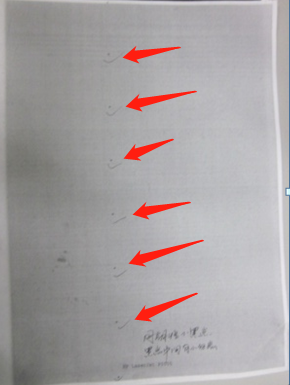
Possible Reasons:
- Dents on the charging roller, protrusions or foreign matter on the developing roller, or scratches on the OPC coating can all cause black spots in printing. You can determine which consumable’s cycle it is by judging the spacing of the white spots (refer to the defect cycle table).
- Damage to the upper roller of the printer’s fuser roller can also cause black spots or smudges in printing.
- Scratches on the OPC coating can be checked by rotating the OPC and comparing the defect position with a sample print.
Process 1: The problem stopped after replacing the new toner cartridge
Toner cartridge defected.
Process 2: The problem still exsits after replacing the new toner cartridge
Printer problem/batch complaints identification